

Description
Product Overview
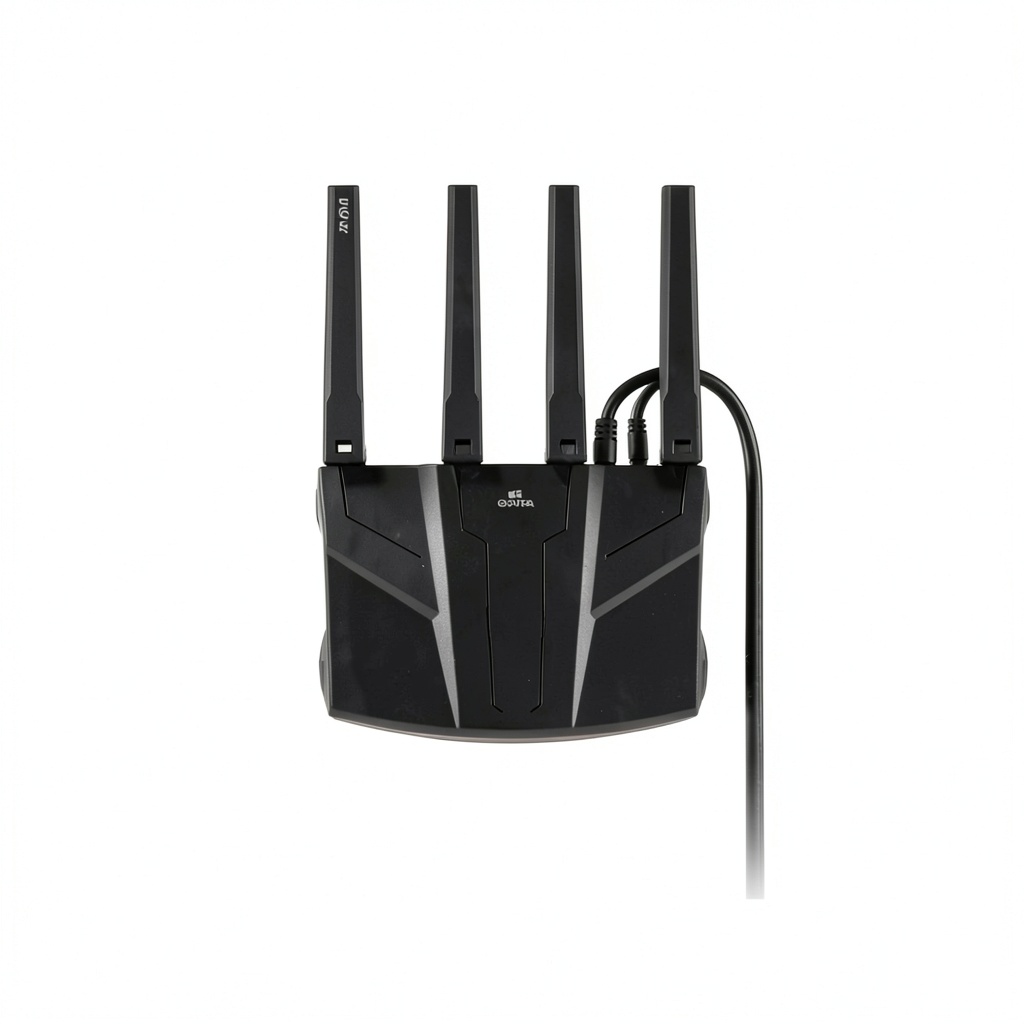
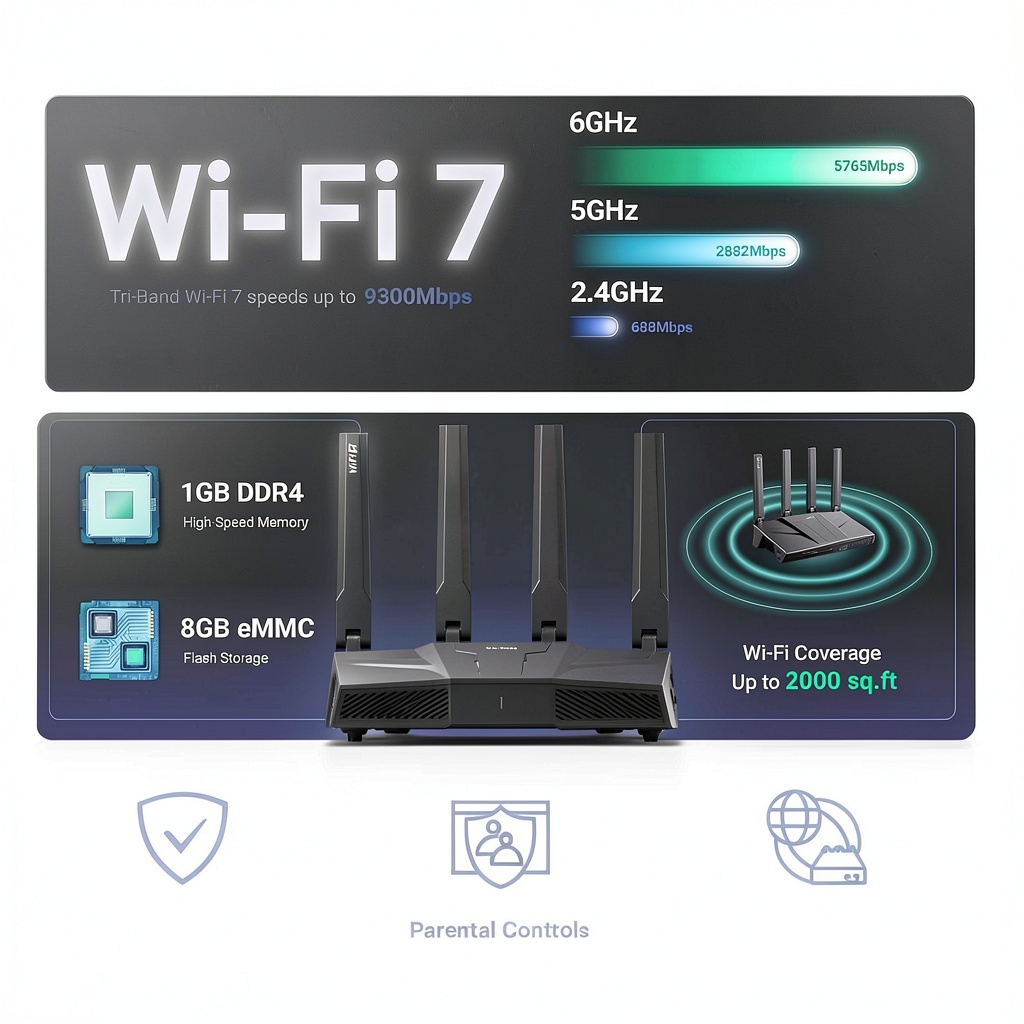
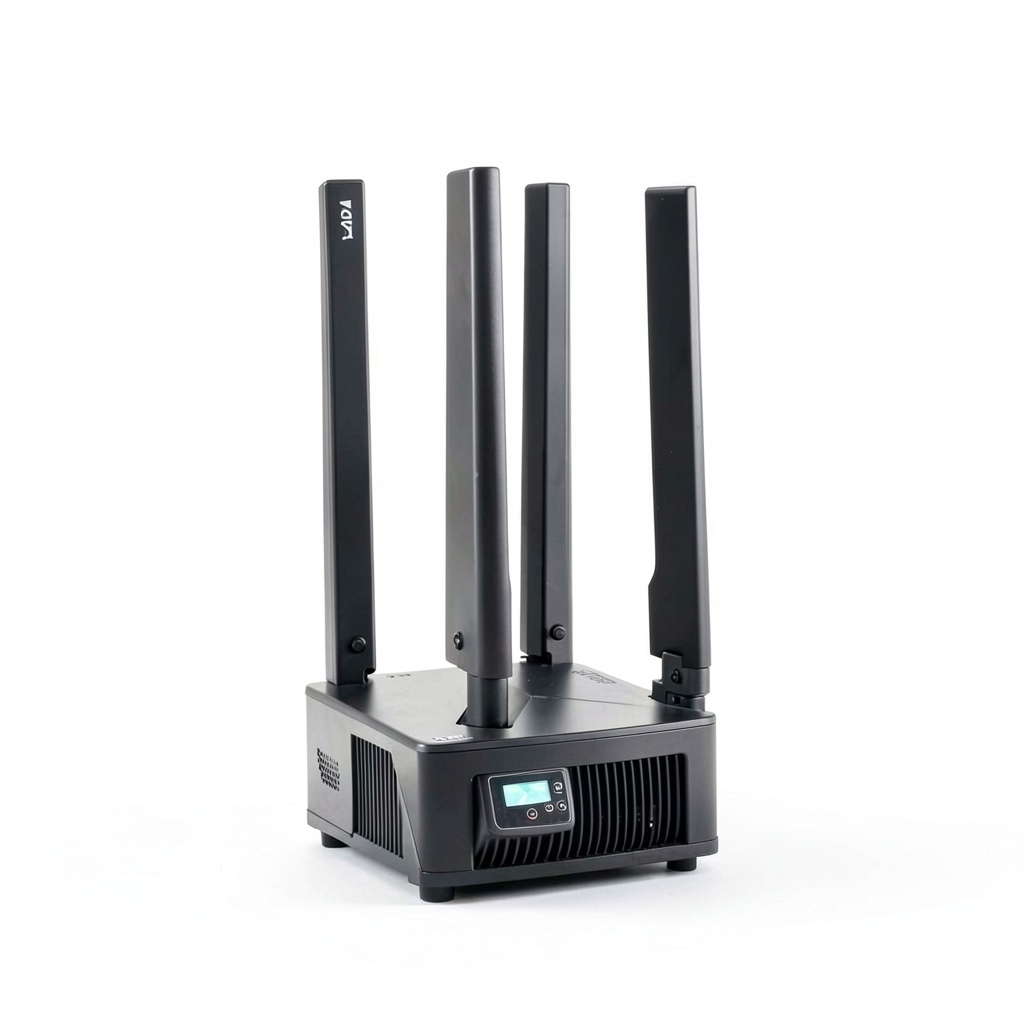
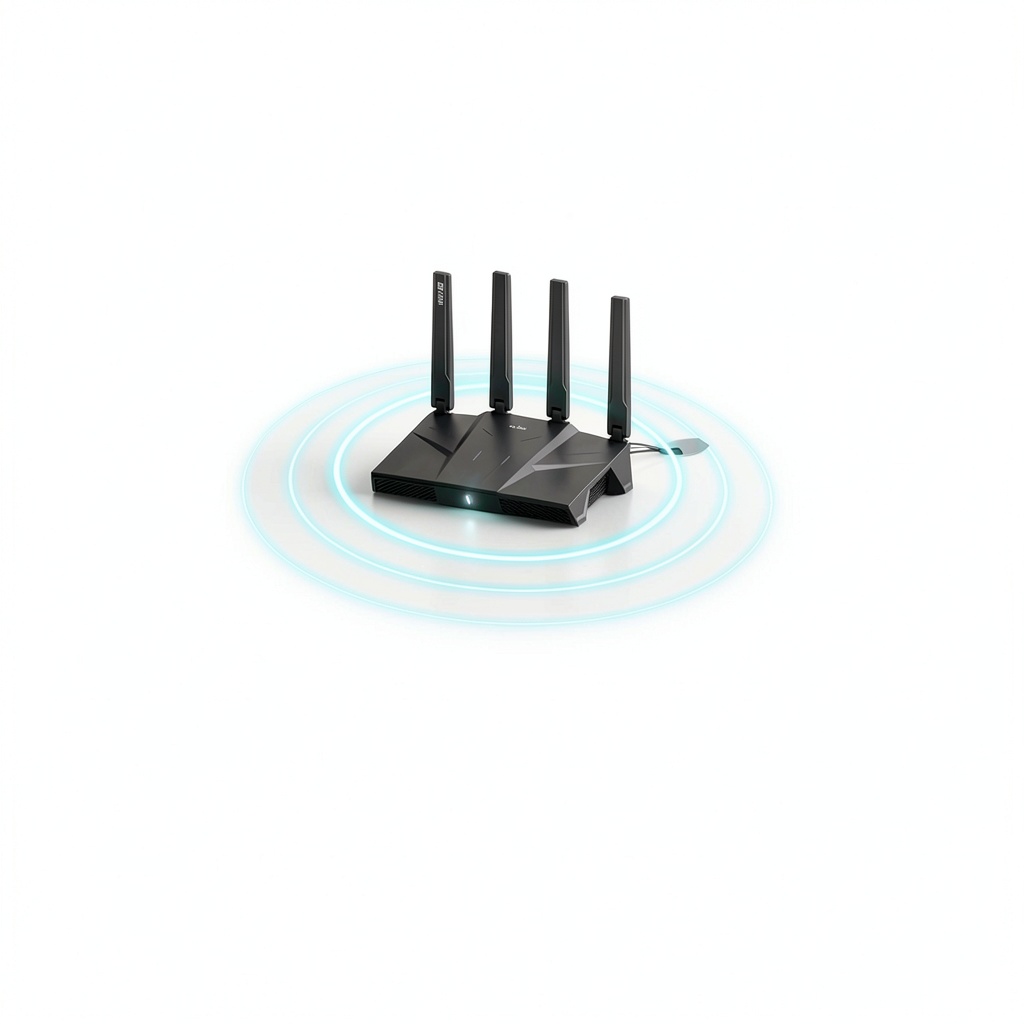
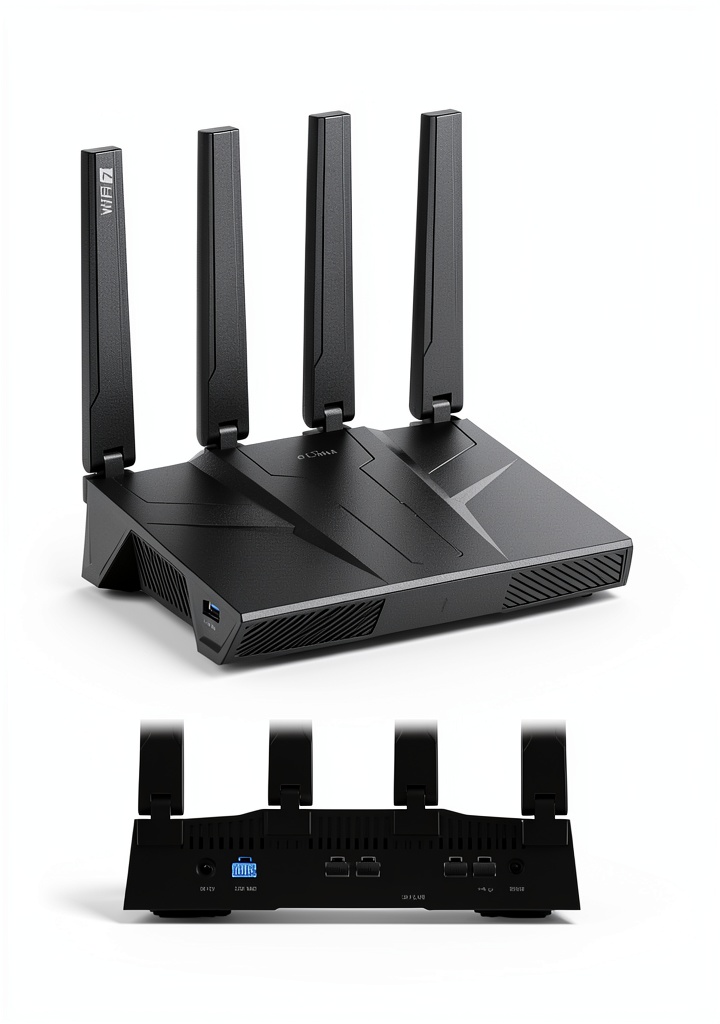
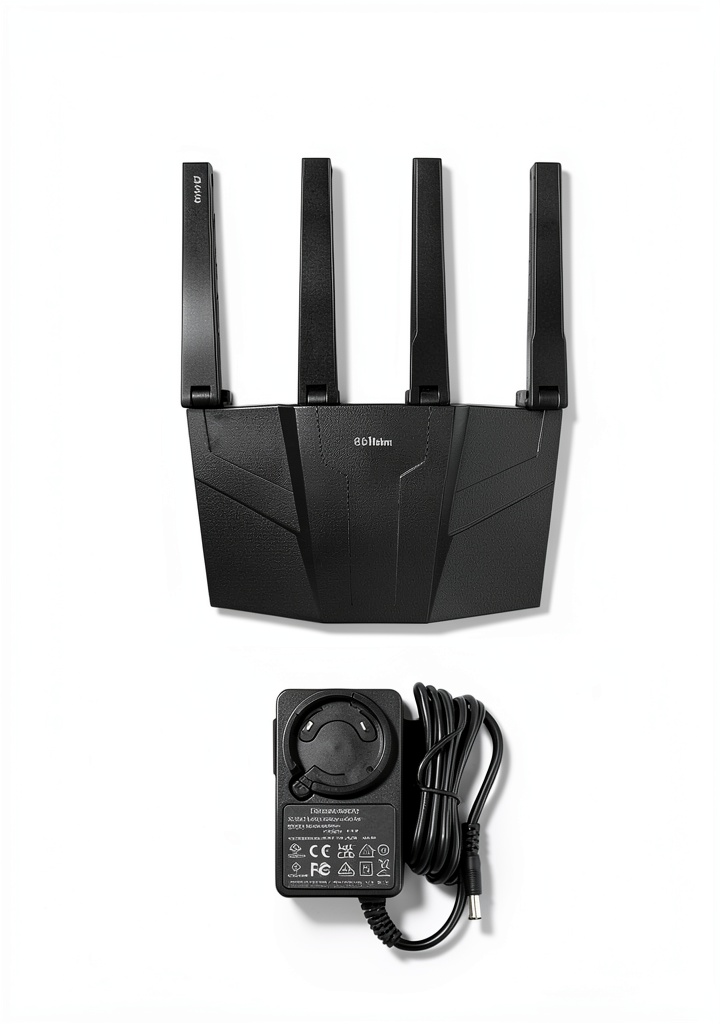
The GL.iNet BE9300 is a compact yet powerful Wi‑Fi 7 router designed for high‑speed, secure internet access. Measuring 6.18 x 2.91 x 9.45 inches and weighing 1.87 lb, it fits easily on a desk or shelf. Powered by the GL‑BE9300 chipset, it supports WireGuard and OpenVPN speeds up to 680 Mbps, ensuring smooth gaming, 4K streaming, and lag‑free video calls. Integrated AdGuard Home provides network‑wide ad and tracker blocking, while the device can manage more than 100 simultaneous connections, ideal for smart homes or small offices.
Usage
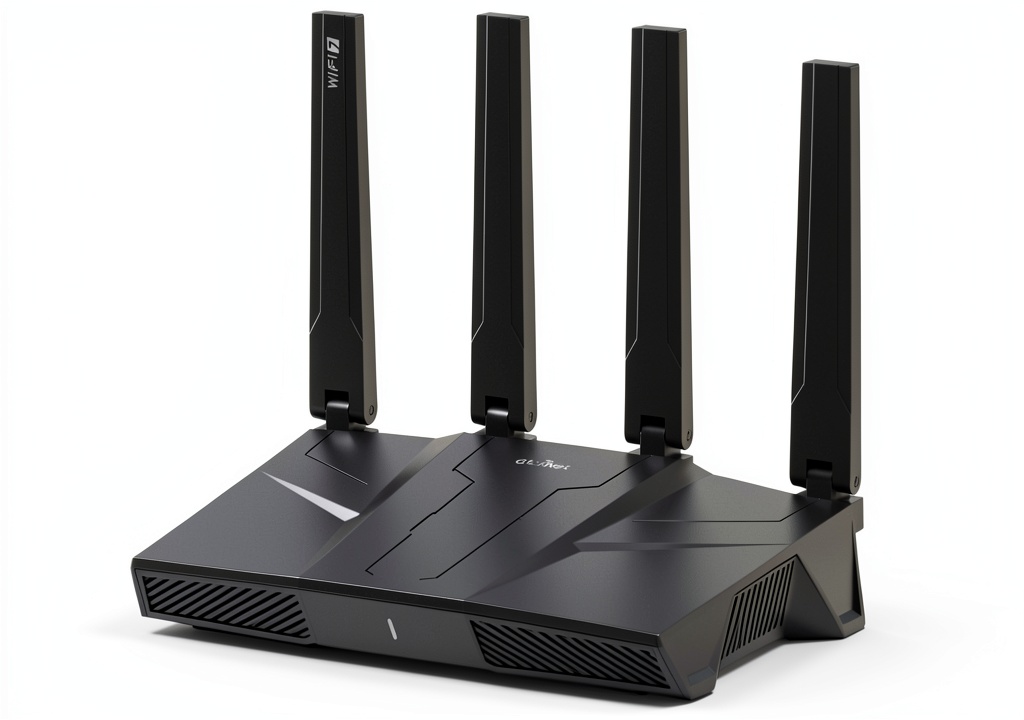
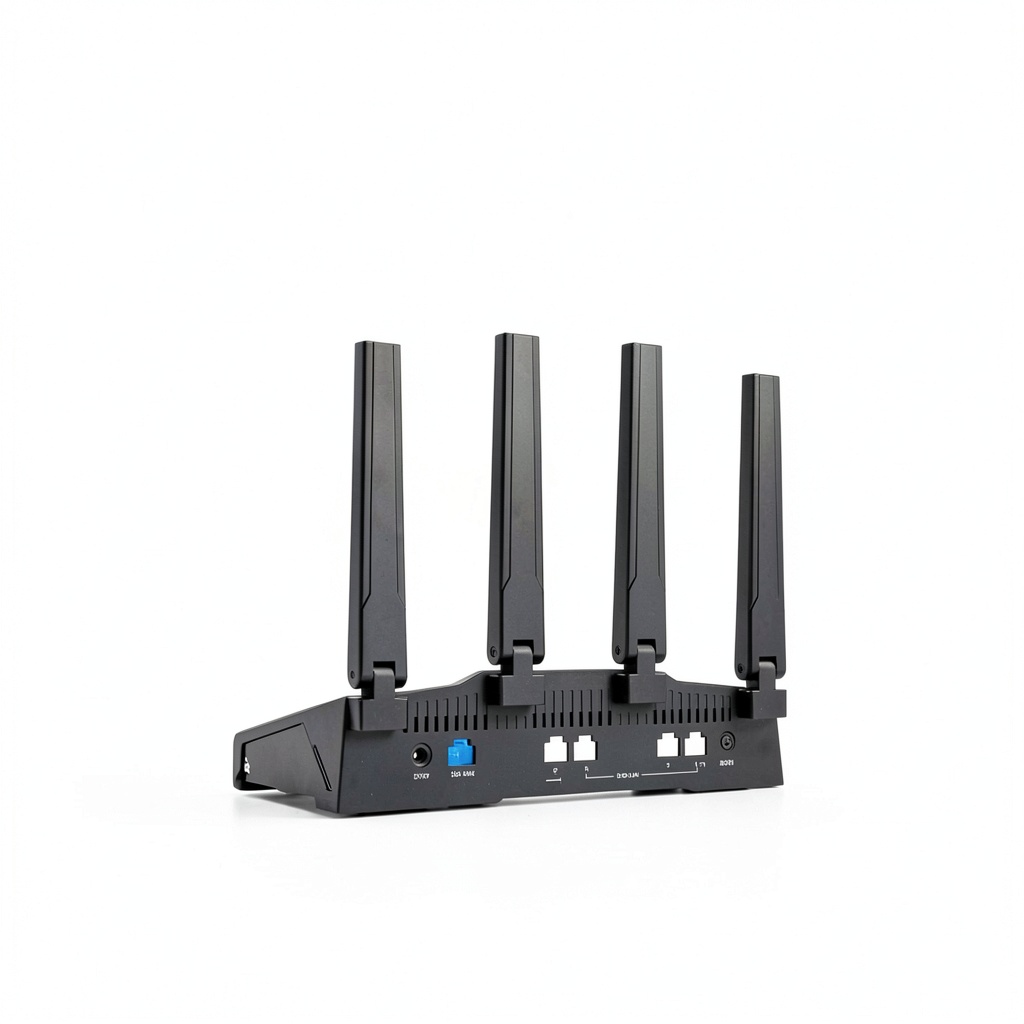
The BE9300 excels in environments where bandwidth and security are critical. Use it in a home office to protect corporate data with VPN tunnels, in a gaming lounge for low‑latency connections, or in a family household to provide safe, ad‑free browsing for all devices. Its dual‑band Wi‑Fi 7 radios deliver strong coverage across multiple rooms, and the Ethernet port allows a wired backhaul for maximum stability.
Why Choose Us
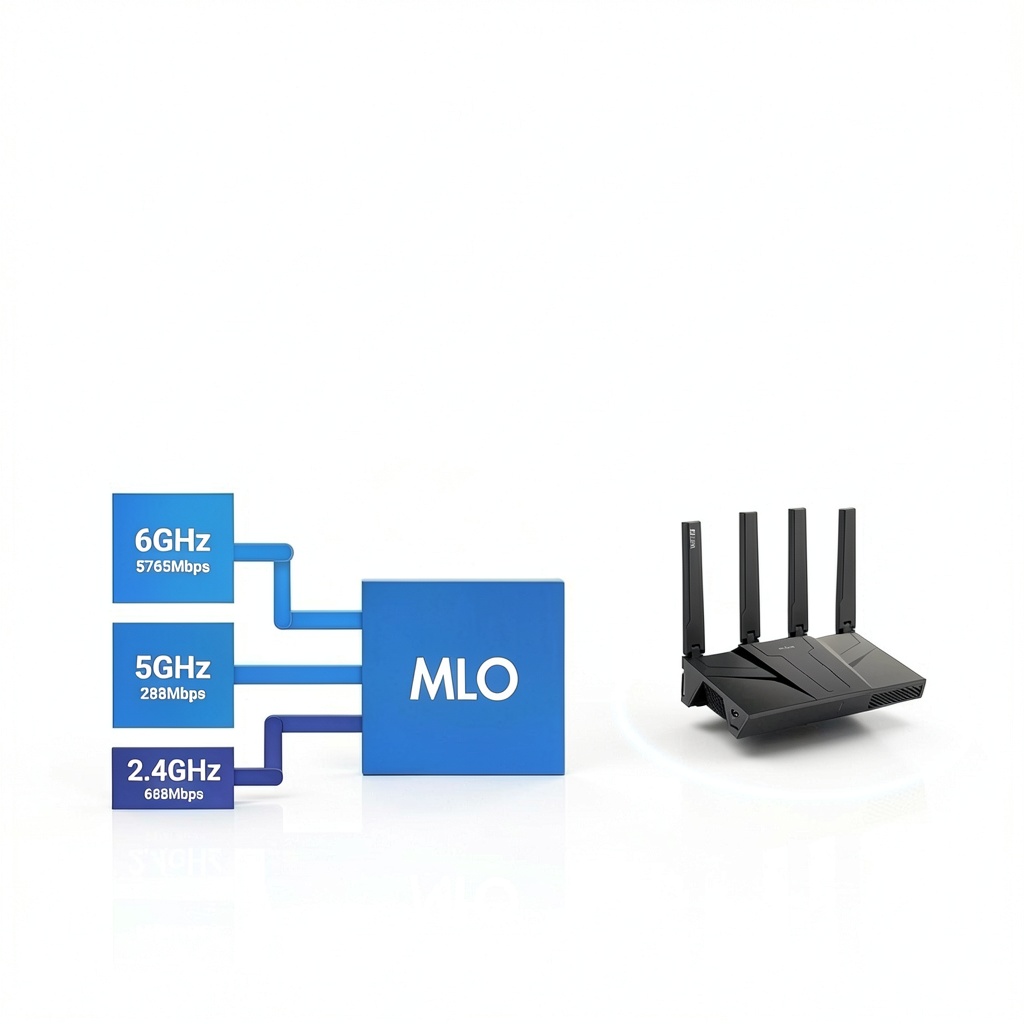
GL.iNet is known for open‑source firmware, regular OTA updates, and robust community support. The BE9300 ships with the latest firmware that enhances performance and security out of the box. Its modular design lets advanced users install additional plugins, and the built‑in MLO technology ensures optimal channel selection in dense Wi‑Fi environments. Combined with a 4.4‑star rating from over 580 customers, the BE9300 offers proven reliability.
Key Features
- Wi‑Fi 7 dual‑band radios delivering up to 9 Gbps aggregate speed
- WireGuard and OpenVPN throughput up to 680 Mbps for seamless secure tunnels
- Integrated AdGuard Home for network‑wide ad and tracker blocking
- Supports 100+ concurrent devices, perfect for smart homes and small offices
- Easy setup via web admin panel or Amazon video tutorial, with Ethernet fallback
FAQ
Can I use the BE9300 with my existing ISP modem?
Yes, connect the router’s WAN port to your ISP modem via Ethernet. The router will handle DHCP and NAT automatically.
Does the router support both WireGuard and OpenVPN simultaneously?
You can configure either protocol at a time, but the device allows quick switching through the web interface.
How do I enable AdGuard Home?
Log into the web admin panel, navigate to the Services section, and toggle AdGuard Home on. You can then customize block lists and DNS settings.
Is firmware update required on first use?
Yes, updating to the latest firmware ensures optimal performance and security. The update can be performed from the admin panel.
What is the warranty period?
The BE9300 comes with a one‑year limited warranty covering manufacturing defects.

 Oxford University Press Kindle Book
Reviews
There are no reviews yet.