
Description
Product Overview
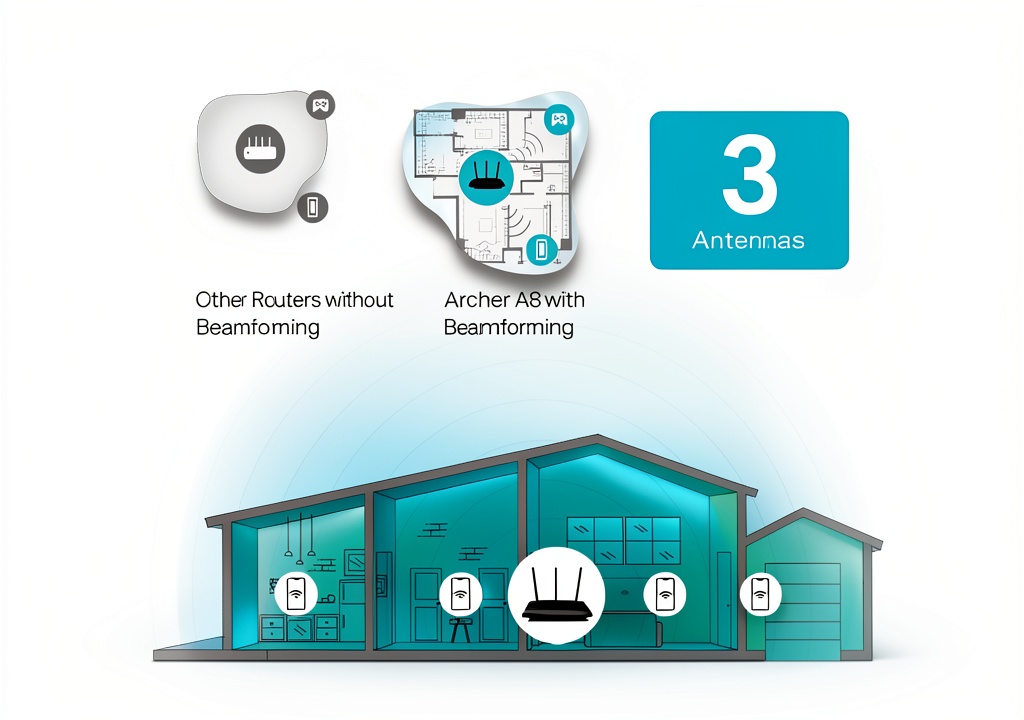
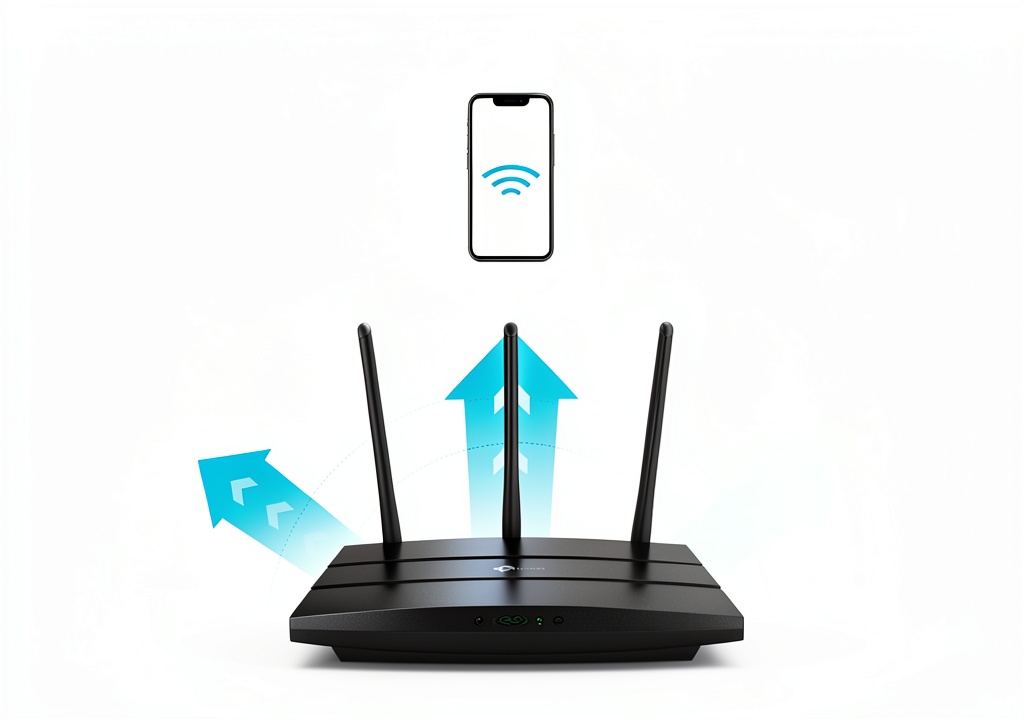
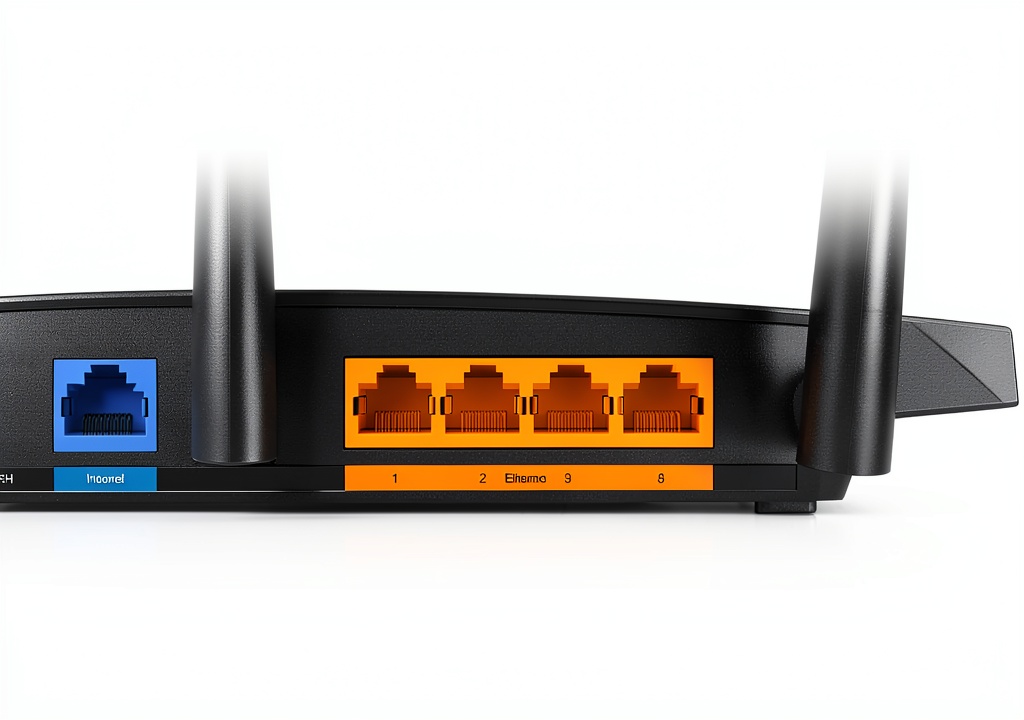
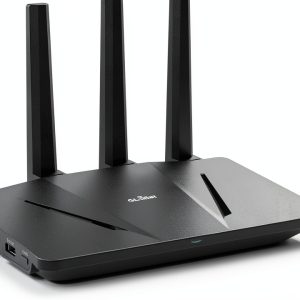
The TP‑Link Archer A8 is a Wave 2 dual‑band router designed for modern homes. It supports up to 1300 Mbps on the 5 GHz band and 600 Mbps on 2.4 GHz, delivering a combined AC1900 throughput. Built with a compact 9.57 × 6.32 × 1.28 in chassis, it houses a 1.4 GHz quad‑core CPU, four Gigabit LAN ports, a Gigabit WAN, and advanced beamforming technology that focuses signals toward devices for improved range up to 1,200 sq ft. The router is OneMesh compatible, allowing seamless expansion with TP‑Link extenders, and features MU‑MIMO for simultaneous multi‑device efficiency.
Usage
Designed for families, remote workers, and gamers, the Archer A8 excels in environments where multiple devices demand high‑speed connectivity. Stream 4K video in the living room, host online gaming sessions in the bedroom, and keep smart‑home hubs responsive throughout the house. Its easy Tether app setup makes it suitable for users of any technical level. 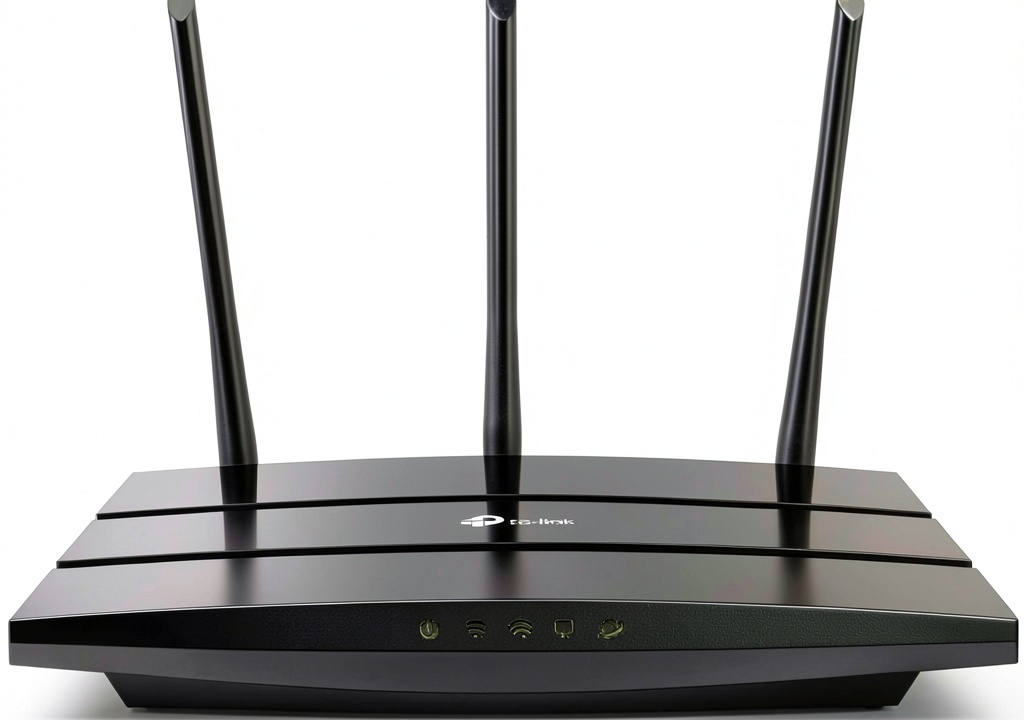
Why Choose Us
TP‑Link combines decades of networking expertise with rigorous quality testing to ensure durability and performance. The Archer A8 offers enterprise‑grade features—such as beamforming, MU‑MIMO, and OneMesh—at a consumer‑friendly price. Firmware updates are delivered automatically via the app, guaranteeing security and the latest enhancements without manual effort.
Key Features
- Dual‑band AC1900 Wi‑Fi: 1300 Mbps (5 GHz) + 600 Mbps (2.4 GHz) for smooth streaming and gaming.
- Four Gigabit LAN ports and Gigabit WAN for fast wired connections.
- MU‑MIMO and beamforming technology to serve multiple devices efficiently.
- OneMesh compatibility for seamless whole‑home coverage with TP‑Link extenders.
- Easy setup and management via the free TP‑Link Tether app.
FAQ
Can the Archer A8 work with any ISP?
Yes, the router is compatible with all major internet service providers. A separate modem is required for most cable and DSL connections.
Do I need a separate Wi‑Fi extender?
If your home exceeds 1,200 sq ft or has thick walls, adding a TP‑Link OneMesh extender will create a single, seamless Wi‑Fi network.
How do I enable parental controls?
Parental controls can be configured through the Tether app, allowing you to block inappropriate content and set time limits for each device.
Is there a USB port for storage?
The Archer A8 does not include a USB port; it focuses on high‑speed Ethernet and Wi‑Fi performance.
What warranty does TP‑Link provide?
TP‑Link offers a two‑year limited warranty covering manufacturing defects, with free firmware updates for the router’s lifespan.
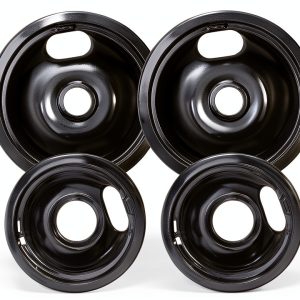
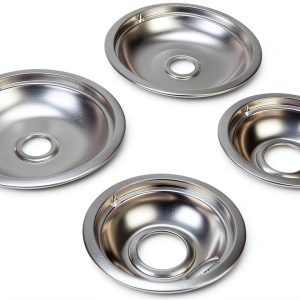
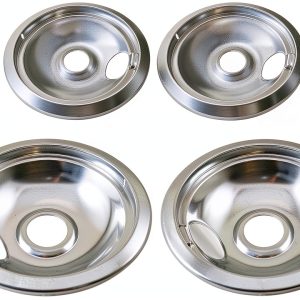

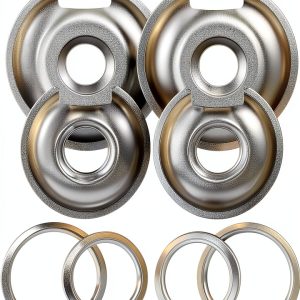 AMI PARTS Chrome Drip Pans Replacement Stove Burner Bowls
  Elsevier Expert Radiology Kindle Edition
 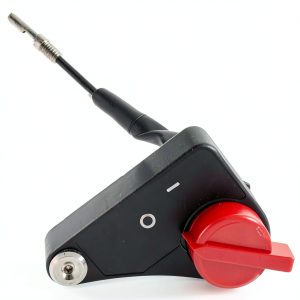 Oil alert switch Greenstar for Honda GX110 GX140 GX160 Engine 21290
  FortiGate-81F FORTINET Security Appliance 10Gbps
Reviews
There are no reviews yet.